ToolSura Blog
ArticlesAboutContact
Search

Stay in the loop

Join thousands of developers getting weekly insights into modern web development, AI tools, and productivity.

© 2026 ToolSura Blog
AboutContactPrivacy PolicyTerms of ServiceRSS

    Table of Contents

    What is a "property"?Sign in to Search ConsoleAdd your propertyVerify ownershipConfirm it workedWhat's nextSources
    HomeToolsura BlogArticle

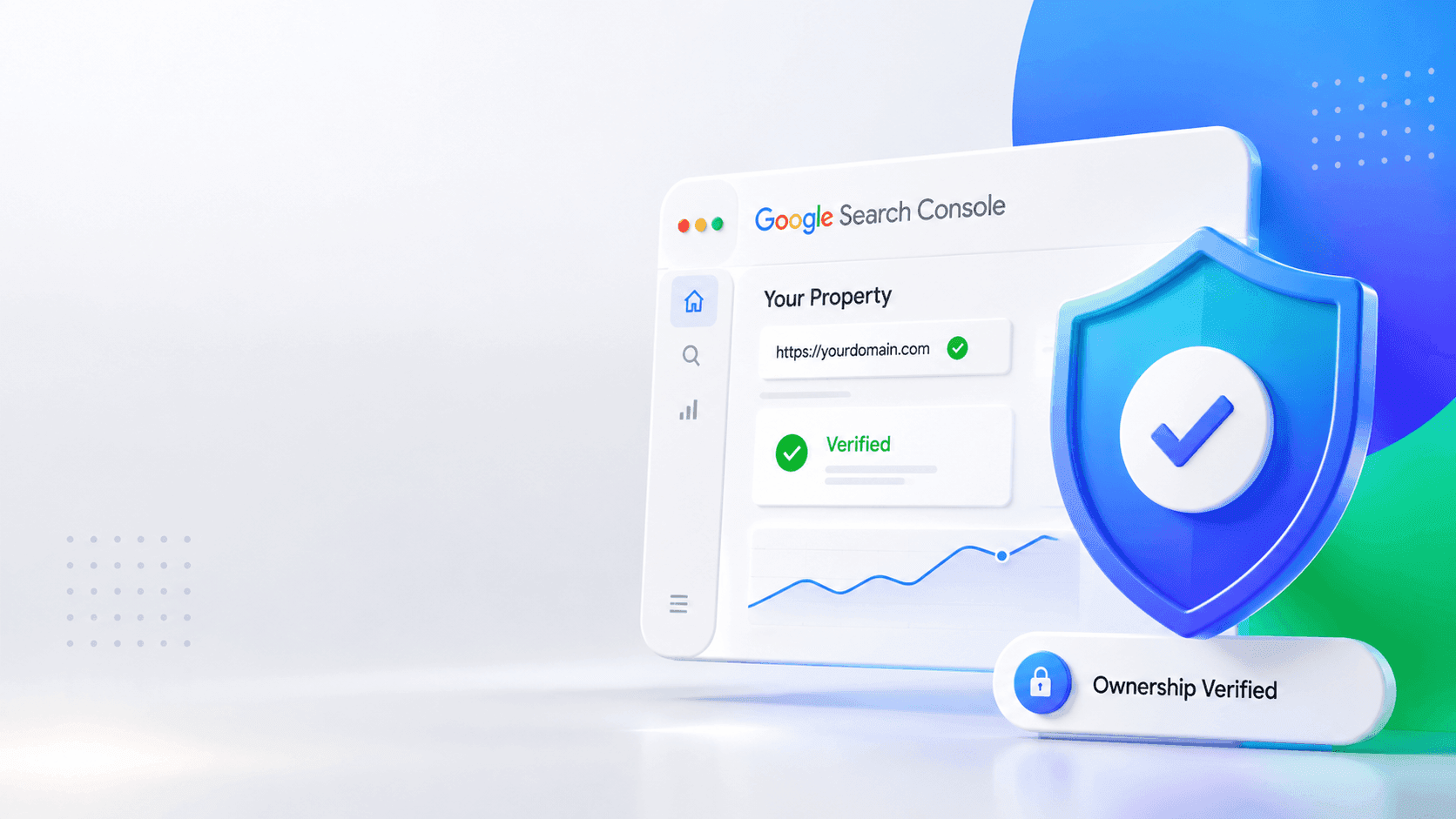
    Step 1: Create and verify a Google Search Console property

    A

    Abhay khant

    Jan 1, 1970 • 2 min read

    Before gsc-indexer can inspect anything, Google has to know you own the site. This guide gets you a verified property.

    What is a "property"?

    In Google Search Console, a property is a website (or part of one) you've proven you control. You can only inspect URLs that belong to a property you have access to. If the URL's host doesn't match the property, you'll get a 403 You do not own this site error later. so get this right now.

    Sign in to Search Console

    1. Go to search.google.com/search-console.
    2. Sign in with the Google account that manages your site.

    Add your property

    1. Click Add property.

    2. Choose the URL-prefix property type (the other type, Domain, needs DNS access and is overkill here).

    3. Enter the exact prefix, including https:// and www if you use it:

      https://www.toolsura.com/
      

    Exact match matters. https://toolsura.com/ and https://www.toolsura.com/ are different properties. Inspect the URL exactly as it appears in the property prefix, or you'll hit a 403.

    Verify ownership

    The easiest method for most sites is the HTML file upload:

    1. On the verification screen, pick HTML file.
    2. Download the file Google gives you (it looks like google1234567890abcdef.html).
    3. Upload it to the root of your site so it's reachable at https://www.toolsura.com/google1234567890abcdef.html.
    4. Click Verify.

    Other options (HTML tag in <head>, Google Analytics, DNS record) work too. pick whichever you can complete.

    Confirm it worked

    You should land on the property dashboard. That's it. the property exists and you own it.

    What's next

    You still can't run the tool yet. GSC property access uses your Google login, but the CLI runs unattended and needs a service account instead. Continue to create a service account and grant it access.


    Sources

    • Google Search Console
    • URL Inspection API documentation
    • Google Search APIs overview
    • Service account OAuth (Google Identity)
    • About service accounts (Google Cloud IAM)
    • Verify site ownership
    • Property types: URL-prefix vs Domain
    • URL Inspection tool help
    • Indexing API (JobPosting/BroadcastEvent only)
    • Request indexing / inspect a URL

    Frequently Asked Questions

    developer-tools
    search
    website-analysis
    web-development
    A

    About Abhay khant

    A passionate tech enthusiast and professional developer specializing in AI, automation, and modern web development. Sharing insights and guides to help others build better software faster.

    View full profile →

    Join the Newsletter

    Get articles like this delivered to your inbox every Thursday.

    What to read next

    Jan 1, 19709 min read

    What Is OpenCode? The 2026 Open-Source AI Coding Agent

    OpenCode topped LogRocket's July 2026 ranking with 160K+ GitHub stars and 7.5M+ monthly devs. A MIT-licensed, model-agnostic AI coding agent.

    AAbhay khant
    Jan 1, 19709 min read

    What Is the Model Context Protocol? A Plain-English Guide

    Model Context Protocol (MCP) is the open standard connecting AI to your tools and data. Learn how it works, how it differs from APIs, and why it matters.

    AAbhay khant
    Jan 1, 197010 min read

    What Are Passkeys? The Passwordless Login Standard Explained

    Passkeys are the passwordless, phishing-resistant login standard replacing passwords. Learn how they work and how they compare to 2FA.

    AAbhay khant