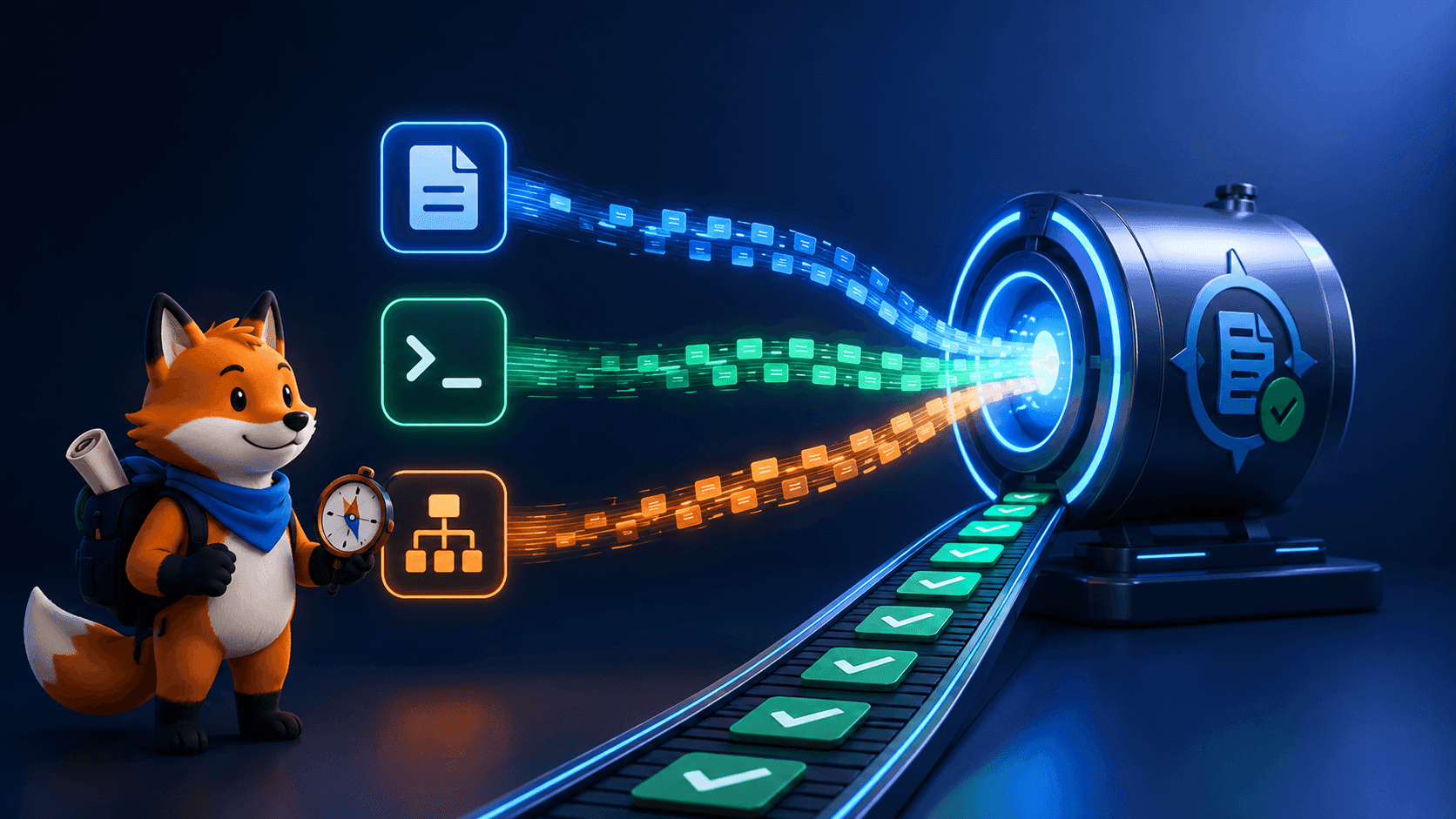
Wappalyzergo vs Wappalyzer: Which Technology Detection Tool Should Developers Choose?
Abhay Khant
Jan 1, 1970 • 5 min read

If you need to identify the technologies behind a website, chances are you have come across Wappalyzer. It is one of the most recognized tools for tech stack detection.
But Go developers often ask a practical question:
Should you use Wappalyzer, or is Wappalyzergo the better choice?
In this guide, we will break down the differences, strengths, and ideal use cases so you can confidently choose the right tool for your workflow.
Wappalyzergo is maintained by the open source team at ProjectDiscovery and is designed specifically for programmatic detection inside Go applications.
External resources:
If you are new to detection, consider starting with our guide on technology fingerprinting for developers before diving into this comparison.
Quick Answer (For Busy Developers)
Use Wappalyzer if:
- You want a browser extension
- You prefer a visual interface
- You are doing manual inspection
Use Wappalyzergo if:
- You build tools in Go
- You need automation
- You scan at scale
- You want CLI integration
For most developers building infrastructure or security tooling, Wappalyzergo is the more practical choice.
What Is Wappalyzer?
Wappalyzer is a technology profiling tool that detects CMS platforms, frameworks, analytics tools, and infrastructure providers.
It is commonly used as:
- A browser extension
- A web interface
- An API
The biggest advantage is simplicity. Install it, visit a website, and immediately see the stack.
However, it is primarily built for manual workflows.
What Is Wappalyzergo?
Wappalyzergo is a Go library that brings automated technology detection into developer environments.
Instead of clicking through websites, you can integrate detection directly into:
- scanners
- reconnaissance tools
- CI pipelines
- automation scripts
Because it is maintained by ProjectDiscovery, it fits naturally into modern security tooling ecosystems.
If you want a hands-on example, read our guide on detecting website technologies using Go.
Core Differences at a Glance
| Feature | Wappalyzer | Wappalyzergo |
|---|---|---|
| Primary Use | Browser detection | Programmatic detection |
| Best For | Manual analysis | Automation |
| Language | JavaScript ecosystem | Go |
| CLI Friendly | Limited | Yes |
| Scalable | Not ideal | Built for scale |
| Integration | Minimal | Developer-first |
When You Should Choose Wappalyzer
Wappalyzer is ideal when speed and convenience matter more than automation.
Great for:
- Quick tech checks
- Competitive research
- Product exploration
- Non-developers
If your workflow lives inside the browser, this is often enough.
When You Should Choose Wappalyzergo
For engineers building systems, automation almost always wins.
Choose Wappalyzergo if you need:
Scalability
Scan hundreds or thousands of targets.
Tooling Integration
Embed detection into security platforms.
Scriptable Workflows
Run scans from the terminal or pipelines.
Performance
Go-based tools typically consume fewer resources at scale.
If this sounds like your use case, learn how to build a tech stack scanner CLI in Go for a practical implementation.
Performance Considerations
Browser tools are naturally limited by user interaction.
Developer libraries remove that constraint.
With Wappalyzergo, you can:
- parallelize scans
- process large datasets
- integrate with distributed systems
Compared to manually checking stacks, automated detection can save enormous engineering time.
Accuracy and Fingerprints
Both tools rely on fingerprint datasets to identify technologies.
Detection improves when multiple signals confirm a match, such as:
- headers
- cookies
- script paths
- metadata
Libraries supported by ProjectDiscovery compile patterns efficiently, helping maintain strong detection accuracy while keeping scans fast.
Security Workflow Example
Imagine running an asset discovery pipeline.
Manual browser inspection becomes impossible at scale.
Programmatic fingerprinting allows you to:
- Discover assets
- Detect technologies
- Prioritize risk
- Automate reporting
This is where developer-focused tools clearly outperform browser extensions.
Learning Curve
Wappalyzer
Almost none. Install and use.
Wappalyzergo
Requires basic Go knowledge but unlocks significantly more power.
For developers, this tradeoff is usually worth it.
Which One Is Future-Proof?
Engineering trends strongly favor automation.
As infrastructure grows more complex, manual inspection becomes less realistic.
Developer libraries like Wappalyzergo align better with:
- DevSecOps
- large-scale scanning
- automated observability
This makes them a safer long-term investment for technical teams.
Can You Use Both?
Absolutely.
Many engineers do.
A common workflow looks like this:
- Use Wappalyzer for quick checks
- Use Wappalyzergo inside tooling
Manual plus automated coverage.
Best of both worlds.
Final Verdict
There is no universal winner. The right tool depends entirely on your workflow.
Choose Wappalyzer if you want simplicity. Choose Wappalyzergo if you want power and automation.
For developers building scanners, recon platforms, or diagnostic tools, Wappalyzergo is often the more strategic choice.
Thanks to the open source ecosystem maintained by ProjectDiscovery, integrating production-ready technology detection into Go projects is easier than ever.
If you want to get started immediately:
- Learn the fundamentals in technology fingerprinting for developers
- Then detecting website technologies using Go
- Finally, build a CLI scanner to automate your workflow
Explore the project: