Troubleshooting gsc-indexer: 403, 401, and other errors
Abhay Khant
Jan 1, 1970 • 3 min read
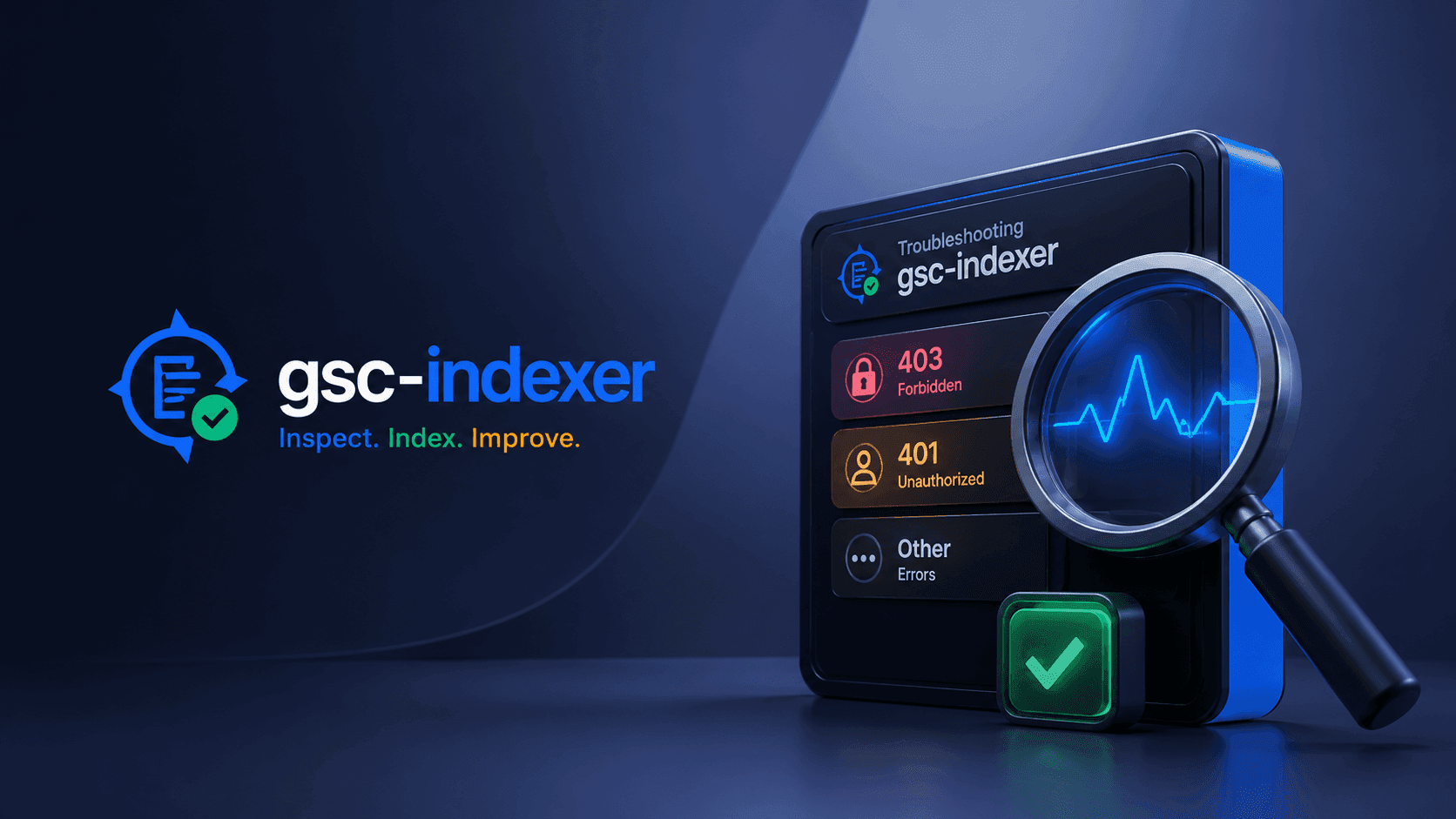
A lookup table of every error you can actually hit, and the fix for each.
403. "You do not own this site, or the inspected URL is not part of this property"
The most common error. Three causes, in order of likelihood:
- The service account isn't added to the property. Go to GSC → Settings →
Users and permissions, and add the SA's
client_emailas a Full user. See service-account setup. - Added as Restricted, not Full. Restricted users can't inspect URLs. Remove and re-add as Full.
- URL host doesn't match the property.
https://toolsura.com/andhttps://www.toolsura.com/are different properties. Inspect the URL exactly as it appears in the property prefix.
401. when using -apikey
The GSC URL Inspection API requires OAuth, not an API key. API keys return
401. Use -creds with your sa.json instead. (An API key is accepted by
the flag parser but will always 401 at the API.)
HTTP 429 / 5xx. throttling
Google is rate-limiting you. The tool already retries with backoff, but if it
persists, raise -delay (e.g. -delay 10s). See
throttling guide.
Sitemap fetch fails (404 / timeout)
- 404. the sitemap URL is wrong; open it in a browser to confirm.
- timeout. the host is slow or down; the fetch has a 30s limit.
"no URLs given"
You started the tool without any URL, batch file, or piped input. Provide one:
./gsc-indexer -creds sa.json "https://www.toolsura.com/"
Empty / zero results
- Piping but forgot the pipe?
cat urls.txt | ./gsc-indexer …. without the pipe, stdin is your keyboard and the run finds nothing. - Batch file path wrong or empty.
Unexpected argument "-something"
A flag placed after a URL gets treated as a URL (Go stops parsing flags at the first non-flag). Put all flags before URLs:
## wrong:  ./gsc-indexer -creds sa.json "url" -color always
## right:  ./gsc-indexer -creds sa.json -color always "url"
Permissions / scope
The tool requests the webmasters.readonly OAuth scope. Even so, the service
account still needs Full property access in GSC. scope alone isn't enough
to inspect.
5-point diagnostic checklist
- Cloud project exists and Search Console API is enabled
-
sa.jsonpresent and readable - SA email added to the property as Full
- Property prefix exactly matches the inspected URL (
www,https) - Using
-creds, not-apikey
If all five check out and it still fails, re-run with -dry-run to isolate
whether the problem is URL expansion or the API call.